



My grandson absolutely loves his microscope! I thought he would love taking the portable scope outside but he prefers looking at slides with the stand and scope. He has ordered more slides to look at already. My son is enjoying this as much as my grandson!
BEAVERLAB
BeaverLAB Darwin M2 數位顯微鏡
BeaverLAB Darwin M2 數位顯微鏡
定價
$129.00 USD
定價
售價
$129.00 USD
單價
每
結帳時計算運費。
適合學生、家庭與日常探索的輕巧入門數位顯微鏡。
• 4 吋內建螢幕:可直接查看細節,無需手機。
• 8GB 儲存空間:可將照片和影片儲存在隨附記憶卡中。
• 相片與影片拍攝:記錄發現,用於學習和分享。
• 手持或桌上使用:可手持探索,或搭配桌上底座套件使用。
• Wi‑Fi 分享:可將檔案傳輸至支援的行動裝置。
*日本和歐洲的運費另行計算。*
無法載入取貨服務供應情況

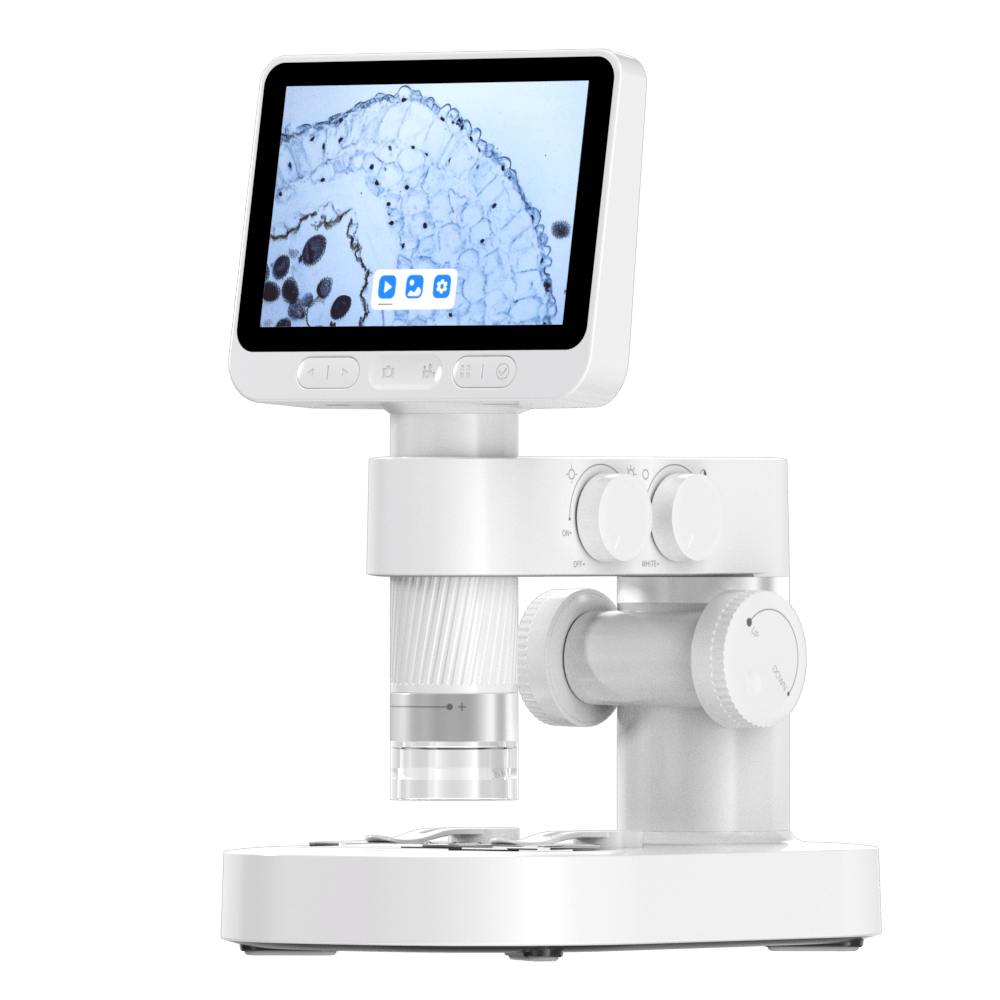

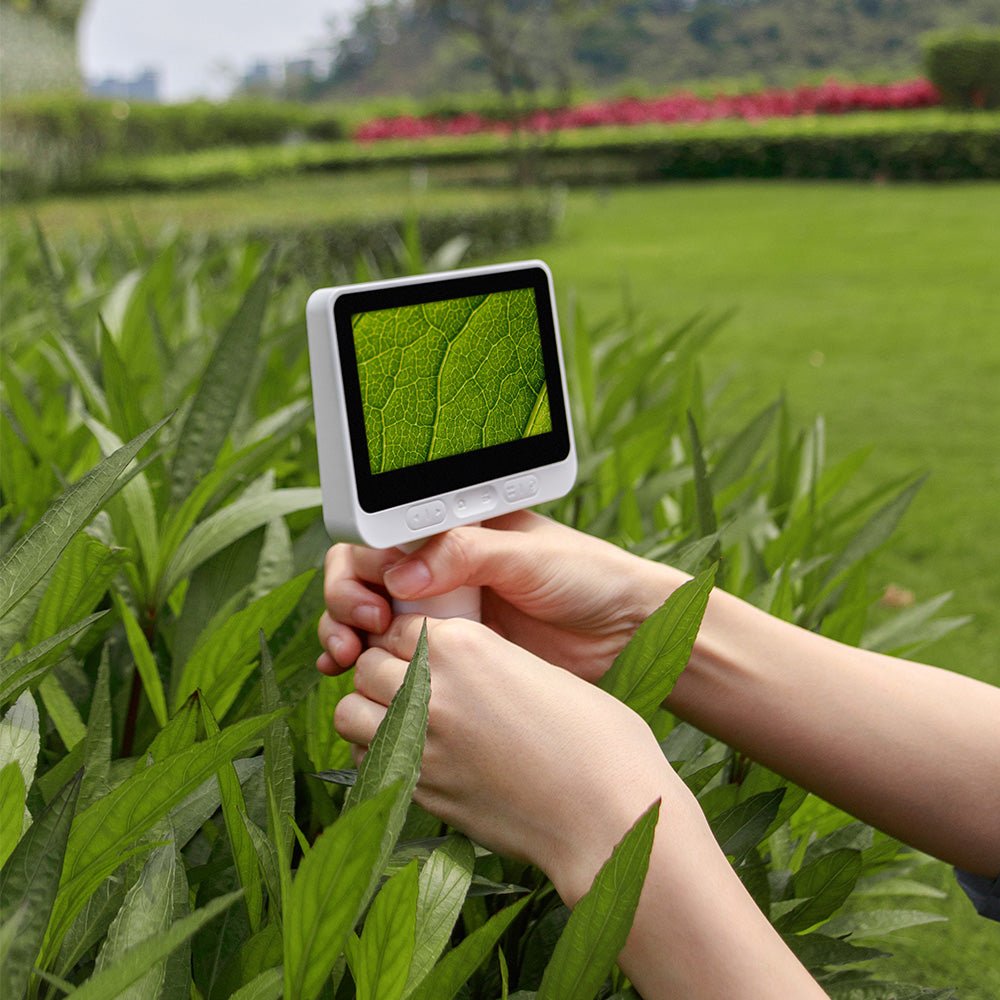
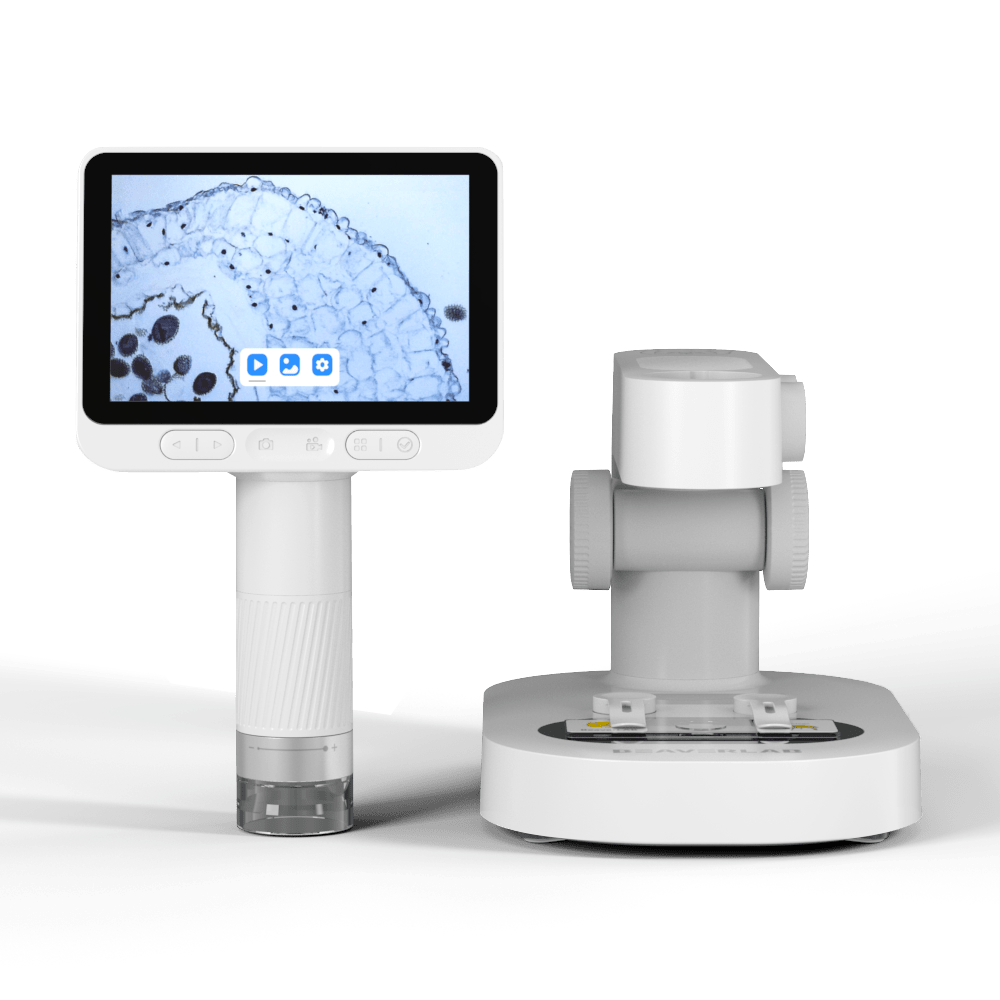
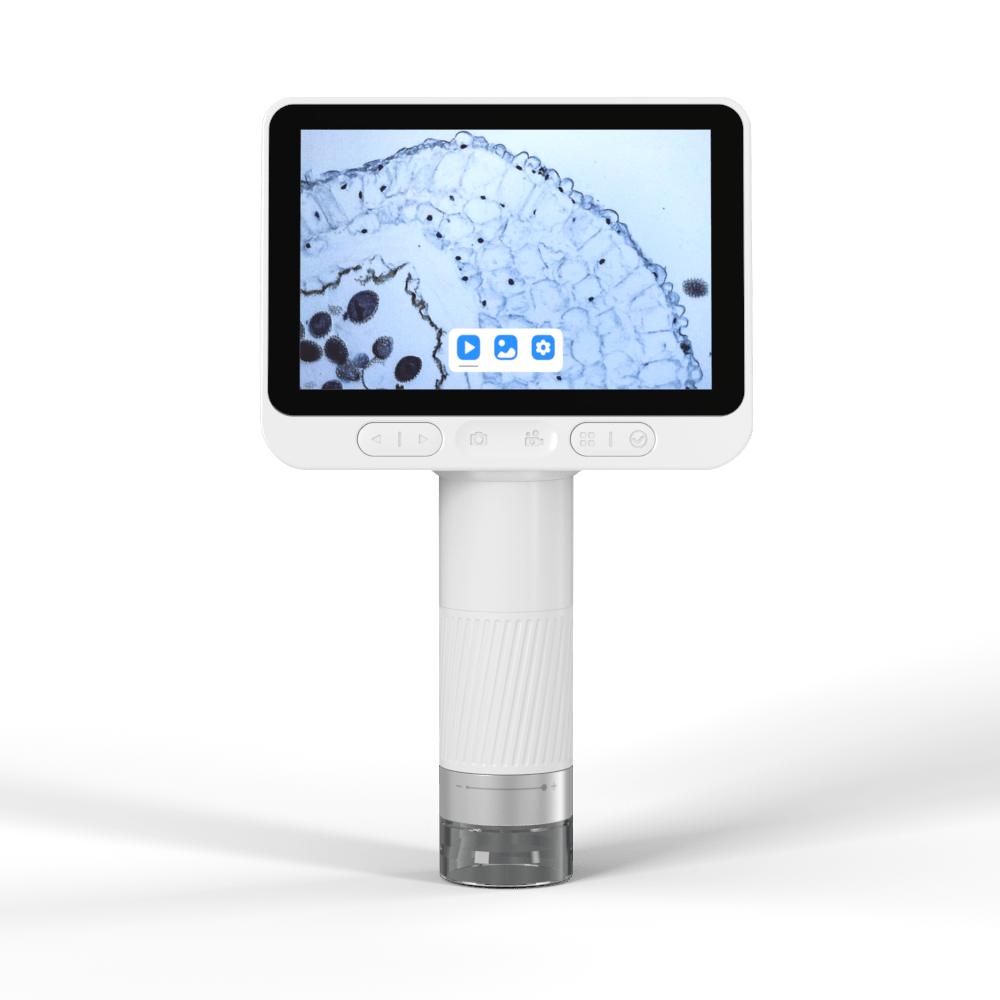


Built-In 4" IPS Display
See the live microscope image directly on the built-in IPS screen, without needing to connect a phone for every observation.The compact display makes it easy for students, parents, and beginners to focus, adjust, capture, and review details right on the microscope.
Built-In 4" IPS Display
See the live image directly on the built-in screen. Easy for students, parents, and beginners to observe, focus, and capture on the microscope.

Multi-Stage Hybrid Zoom
Multi-Stage Hybrid Zoom From a wider sample view to finer surface detail. Darwin M2 lets you adjust focus and magnification as you observe, then use digital zoom for a closer on-screen view when more detail is needed. Up to 1600X hybrid magnification. Displayed magnification combines optical and digital enlargement and may vary by viewing screen and observation distance.
Multi-Stage Hybrid Zoom
Go from a wider sample view to finer surface detail. Up to 1600X hybrid magnification.

2MP CMOS Imaging
Capture clear 1920 × 1080 images and videos of your observations. Great for saving discoveries, comparing samples, and adding microscope images to school projects or learning notes.
Capture clear 1920 × 1080 photos and videos.
Save discoveries for projects, notes, and sharing.

Capture Photos & Videos
Save photos and record 1080p videos while you observe. Review details later, compare different samples, or add your discoveries to school projects and learning notes.
Save 1080p photos and videos while you observe.
Review, compare, and share your discoveries later.

Why Darwin M2 Is Easier to Use
A built-in screen, simple capture, and flexible sharing make microscope observation easier for students, families, and everyday discovery.
Built-in viewing, simple capture, and easy sharing for students and family science.

Built-In Screen Viewing
View the live microscope image directly on the screen, without looking through an eyepiece or setting up a phone first.
See the live image directly on the screen.
Photo & Video Capture
Capture photos and videos while you observe, then save, review, or share your discoveries for projects and learning notes.
Save discoveries as photos or videos.


Simple for Beginners
On-device controls and a clear screen view make focusing, adjusting, and observing easier for young learners and first-time users.
Easy to focus, adjust, and observe.
Made for Learning
Great for STEM learning, school projects, family science, and group discussion around the same observation.
Great for STEM projects and family science.


More Comfortable Viewing
Observe from the screen instead of bending over an eyepiece, making longer observation sessions feel more natural.
Observe without bending over an eyepiece.
Zusätzliche Funktionen, die Sie lieben werden

View, Save & Study on Supported Devices
Use the supported app or software to bring microscope images to another screen, making it easier to save observations, review details, and use images in learning projects.
App & Software Support
View, save, and organize observations on supported devices.
2D / 3D Viewing Mode

Viewing & Markup Tools

Explore More Ways to Observe
Use Darwin M2 for everyday discovery, project documentation, and closer inspection of the details around you.
Use Darwin M2 for learning, projects, and everyday discovery.


Watch Darwin M2 in Action
Hands-On Reviews
See hands-on videos, unboxing reviews, and real-use demonstrations from creators and users.
See how creators test, explore, and use Darwin M2.
Specification
| Sensor | 2MP CMOS |
|---|---|
| Screen | 4 inches, 24-bit IPS |
| Pixel | 2.7µm*2.7µm |
| Video Resolution | Full HD 1080p at 30 fps |
| Connectivity | Wi-Fi |
| Magnification | 1600X |
| Storage | 8GB |
| System | Android 8.0/iOS 12.0 or above |
| Weight | 650g (Tube 237g) |
| Charging Ports | Type-C |
| Battery Capacity | Tube: 2500mAh Base: 1800mAh |
| Brightness Range | 0~30 LUX |
| Product Size | 180*122*220mm |
| Max. Wifi Range | 15m |

Product Features
What Our Customers Say
常見問題
Customer Reviews
Overall rating: 4.7 / 5 from 85 reviews.
Grandkids adore this. I expected the eight year old to love it but the four year old is equally enthralled. Such a clear view of the subject. Couldn’t be happier.

The microscope is pretty cool, my 6yo enjoys it. The magnification is not what is shown in the pictures. Some of the glass slides were broken inside the box even though the exterior and interior boxes were not damaged.
no time for this
n/a
in the marketing video, it looked like a real professional microscope while it is mostly for children to play with.
This grandmother sent it to my grandson in Montreal where it was received with smiles and jumping and Merci!
Bought it as a gift. The recipient loves it. He uses it all the time and he said it's a great product!
It doesn't list what the magnification is, not even a scale on the barrel to get an approximate. Really? Furthermore, I purchased "on sale" at $109 US, then, 2 days before delivery your advertised it to me for $70...why didn't you just advertise it for that price at the beginning and I could have saved $30! A cute child's' toy but not worth $109.
Solidly built. Good quality screen and a big step up from the microscope I had 50 years ago.
Fonctionne très bien !!
Easy to use for kids and adults
Love it! Very easy to use.
A very special gift for my children
A bit of initial difficulty getting the microscope to slide into its stand. But with a bit of use it now fits in perfectly. Better to be a firm fit, than too loose! Overall the family enjoys using the microscope. And the ability to seperate it from the stand makes it so much more useful.
It's impressive, I love the fact that you can connect it to your pc and Phone and all the settings are great too
This will be great to look at some pond creatures this summer
Got this for myself but I might actually give this to my nice. Its worth the price I paid. Witch is why i got another one, the upgraded version.
Very Nice Well worth the money Thank you
I got this for my very intelligent school-aged grandson. He loved ves it, as do his parents and little sister. A terrific gift for young people and adults!
Bought the full package for my 6 year old granddaughter, along with a few toys. This is definitely something she can enjoy now especially with Adult encouragement, and something she will grow into as she gets older and more curious about understanding the world we live in in detail. Package was well wrapped with no damage.
This is an incredible piece of equipment considering the modest cost and the customer service was five star.
Very nice microscope with multiple ways to use it: not only at home but also in the field thanks to the separate ocular. Quality - look and feel - is excellent. Absolutely recommended!
Thinking they will be wonderful gifts for my young grand children. Hopefully so.
Great product
Not much to say - good enough, works well, simply works.
Looks and feels great.
the microscope is GREAT!! the book that comes along with it is totally bizarre and full of all sorts of typos that feel like something was lost in translation. but not a biggie as the main thing - the microscope - works great and is really fun for our 8 yr old.
I'm an artist and this is an easy and fun way to explore all types of specimens.
Super quality and extremely easy to use. Started using it with my 7 year old. She’s super exited to see the microverse. Thank you for such a great device.
great
Giving it to my grandson for his birthday.
good
Very pleased with product. Can’t wait to use it with my grandson.
Good lightning, easy to use
Great field tool !
I have not used it very much since receiving it. I am a little bit, disappointed in the magnification, which seems nowhere near greater than 100 X. However, I may not be using it properly yet.. I will report later.6
Really cool microscope. Did not zoom as closely as I was hoping but I am still learning how to use it. Love the video screen!!
Estupendo juegonoar niños curiosos. Great!!
My son loved this. Highlight of xmas prezzies. We cant wait to use it more.